

Roam Talents
A talent viewer and build planner for every class, in its own window, with leveling builds and your class's spells built in.
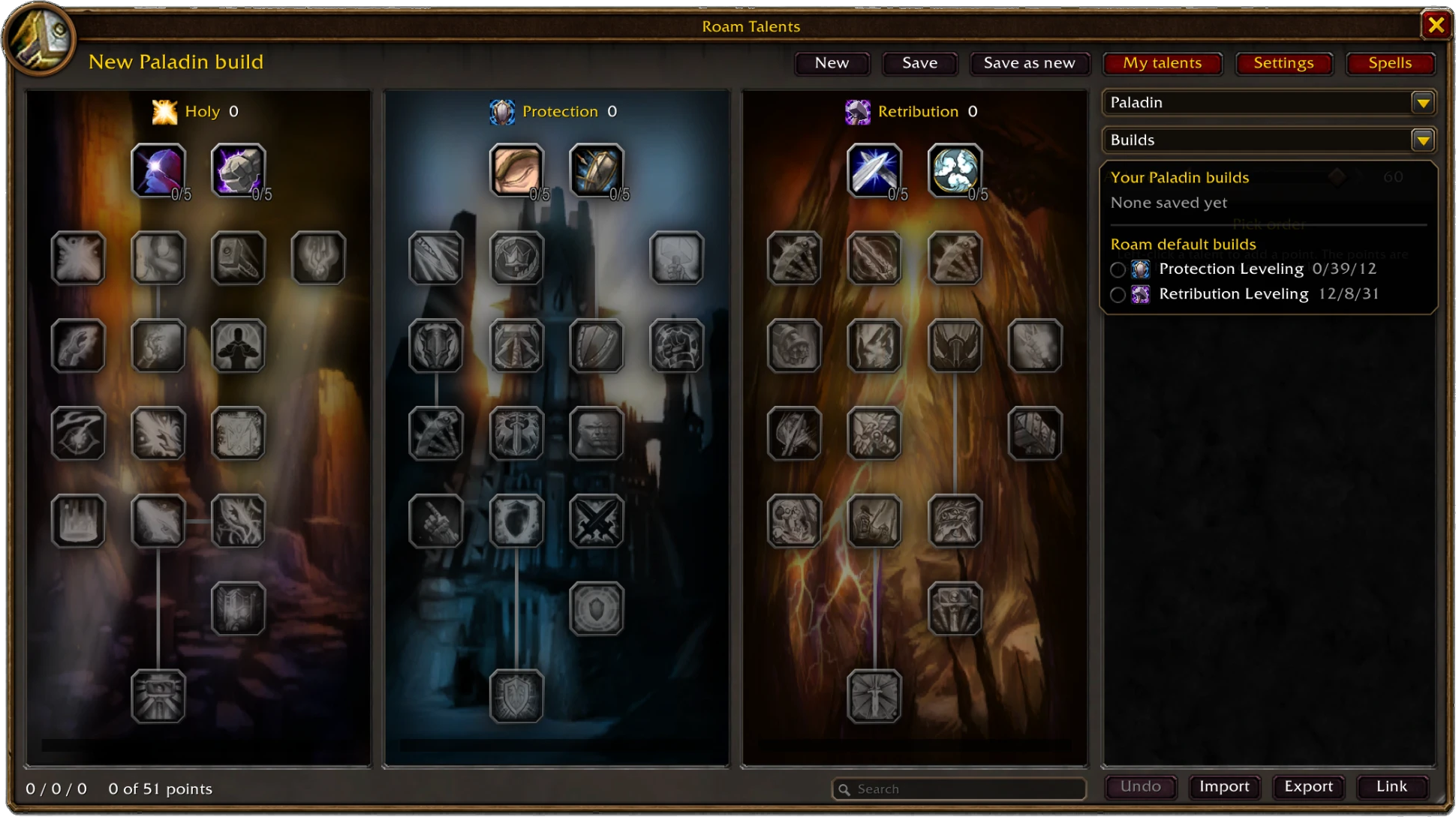
- Build Planner for any class's three trees, under the game's own rules, with the pick order and the level of each point.
- 18 Roam leveling builds built in, one or more for every class.
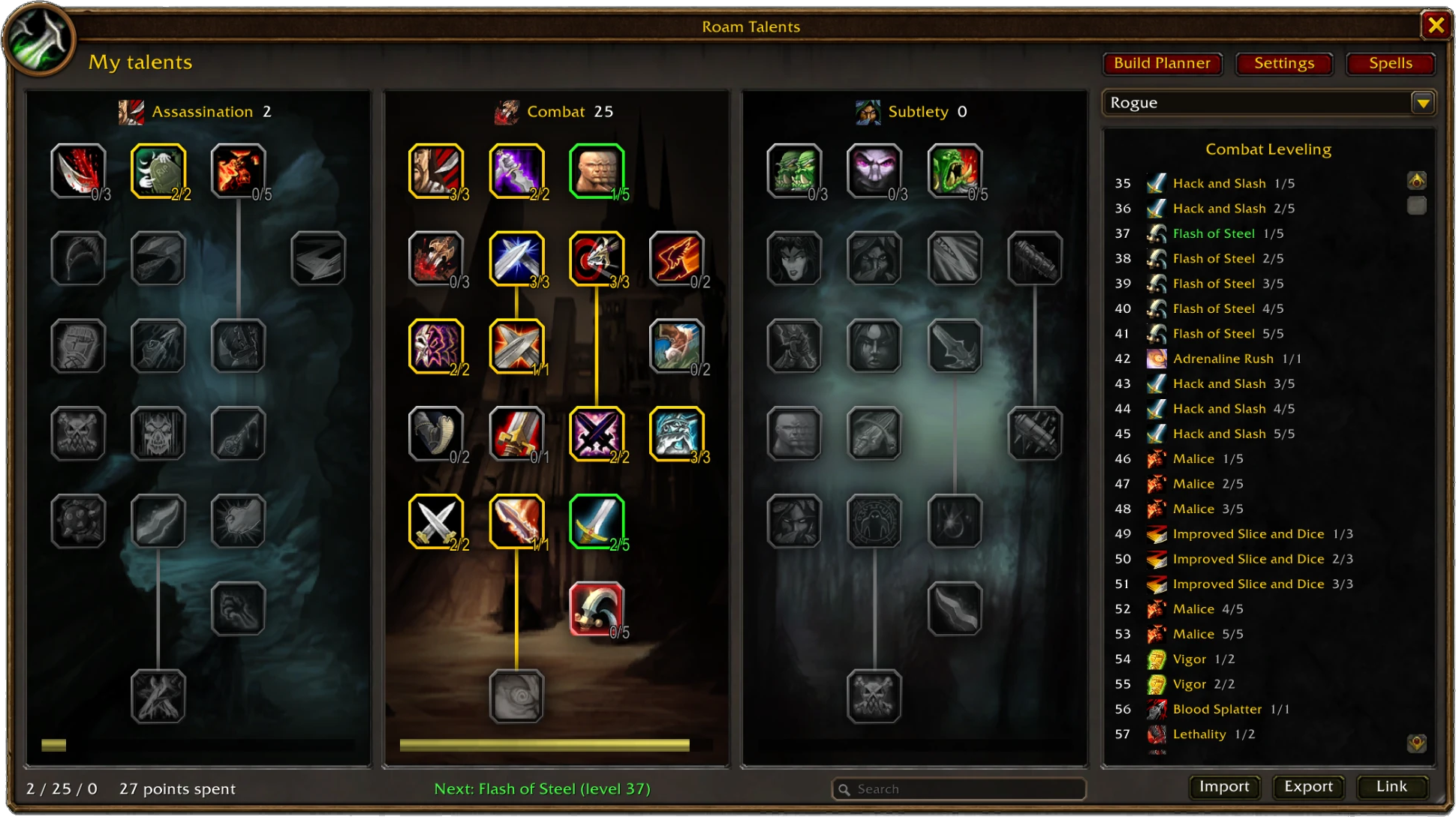
- Your next talent: pick an active build and Roam Talents tells you what to take, on level-up and on the game's own talent window.
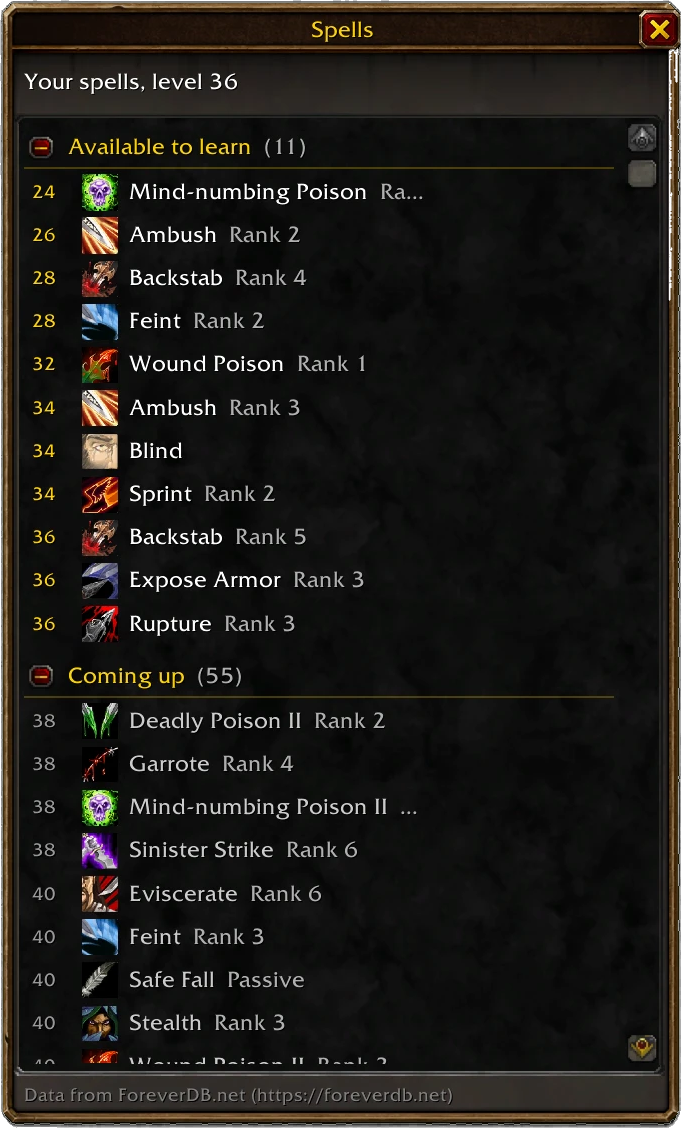
- Spells panel: every rank of your class's spells from level 1, available to learn, coming up and known, for your class or any other.
- View talents in Roam: right-click another player to open their build in the planner.
- Your plan on the game's talent window, Primary and Secondary Talents, and, only if you switch it on, Roam spending your points for you. A short tutorial shows you around.
- Build links in chat, import and export, undo, search, and builds that survive tree changes.